Intel Celeron N4500 Processor
A dual-core, dual-thread Celeron running at 1.1GHz base and up to 2.8GHz, with 4MB of cache and integrated Intel UHD Graphics.
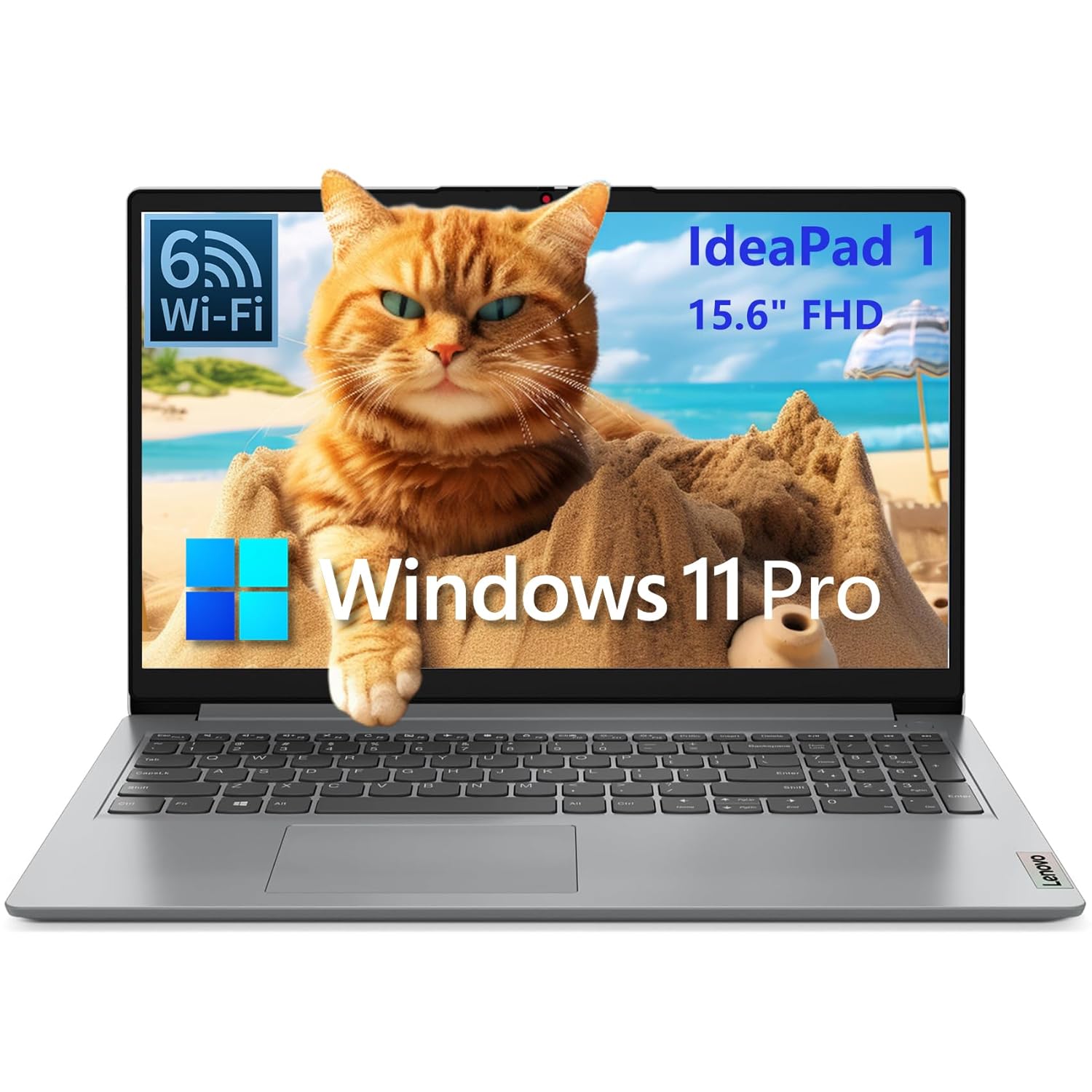
The Lenovo IdeaPad 1 15.6 Celeron N4500 Laptop is a light-duty laptop with generous memory, best for students doing browser-based schoolwork. The main drawback: celeron N4500 is slow for demanding tasks. We scored it 3.3 out of 5.
16GB of memory makes this IdeaPad 1 look more capable than it is, because the processor doing the work is an Intel Celeron N4500 with two cores and two threads. That combination keeps a handful of browser tabs and documents open without stalling, but it will still feel slow when you ask it to do anything demanding, and 256GB of storage fills up quickly.
NoFussDeal rates the Lenovo IdeaPad 1 15.6 Celeron N4500 Laptop 3.3 out of 5. Last updated September 26, 2026.
A dual-core, dual-thread Celeron running at 1.1GHz base and up to 2.8GHz, with 4MB of cache and integrated Intel UHD Graphics.
16GB of DDR4 memory with a 256GB PCIe SSD for storage.
A 15.6-inch 1920 x 1080 LED-backlit LCD with an anti-glare finish and 60Hz refresh rate.
Wi-Fi 6, Bluetooth 5.2, HDMI 1.4b, USB 3.2 Gen 1, data-only USB-C 3.2 Gen 1, USB 2.0, an SD card reader and a combo audio jack, in a Cloud Grey chassis weighing around 1.55 kg.
Score 66: its 3.3 star average on a 100 point scale.
Lenovo lists the color as Cloud Grey. Score 66: its 3.3 star average on a 100 point scale.
49% of ratings are five stars and 0% are four. 20% are three stars and 31% are one or two. A sizable share of ratings sit low, so weigh the drawbacks below as heavily as the praise. Score 66: its 3.3 star average on a 100 point scale.
Score 66: its 3.3 star average on a 100 point scale.
Based on 17 Amazon customer ratings, averaging 3.3 out of 5, recorded 12 September 2026. See the reviews on Amazon
| 5 stars | 49% | |
|---|---|---|
| 4 stars | 0% | |
| 3 stars | 20% | |
| 2 stars | 0% | |
| 1 stars | 31% |
Connect the 45W round-tip charger, not the USB-C port, and power on to complete Windows 11 Pro setup.
Let Windows Update finish before heavy use. Updates can make a Celeron laptop feel slow while they run in the background.
Disable apps you don't need at startup to save processor time on the dual-core chip.
Set up cloud storage, or use an SD card or USB drive, for photos and large files so the 256GB SSD does not fill up.
Only for some buyers: we score it 3.3 out of 5. This IdeaPad 1 pairs a basic Celeron N4500 with an unusually generous 16GB of memory, a 256GB SSD and a 15.6-inch Full HD anti-glare screen.
256GB SSD fills up quickly.
Connect a monitor or TV through HDMI 1.4b for a bigger workspace.
Why is EVERYONE Buying this Laptop ??? Lenovo IdeaPad 1
Tech Closet
Review: LENOVO IdeaPad 1 Laptop, 15.6” FHD Display, Intel Celeron N4500 Processor, 20GB RAM, 1TB SSD
Guy Reviews
Lenovo IdeaPad 1 (2024) Review: The World's Most Popular Ultra Budget Laptop!
SoulOfTech
Lenovo IdeaPad 1: Affordable Computing Power at php21,995
Easy PC
Lenovo IdeaPad 1 Laptop #shorts #amazondeals #amazonfinds
Deal Haven
Lenovo IdeaPad 1 15.6" Review | COSTCO REVIEW
TheRealReviewz
This IdeaPad 1 pairs a basic Celeron N4500 with an unusually generous 16GB of memory, a 256GB SSD and a 15.6-inch Full HD anti-glare screen. For browsing, documents, streaming and schoolwork it is perfectly usable, and the memory helps it cope with several things open at once. The processor is the ceiling, though, and the small SSD and data-only USB-C port are further limits. Buy it knowing it is a light-duty machine.
Fine for everyday light tasks, but the Celeron processor means it will never feel quick. If you edit photos or video, run heavy software or game, look for a laptop with a stronger processor instead.
Check price on Amazon